Skip to sponsor assets
OPTIMAL BLUE SUMMIT 2027
Sponsor resource center

Access your social media toolkit

Enter the sponsor access code to view and download your Summit social graphics.

The access code is case-insensitive.

Sponsor social media toolkit

Share your Summit sponsorship

Download ready-to-use graphics or add your company logo to a co-branded option using the instructions below.

Ready to share

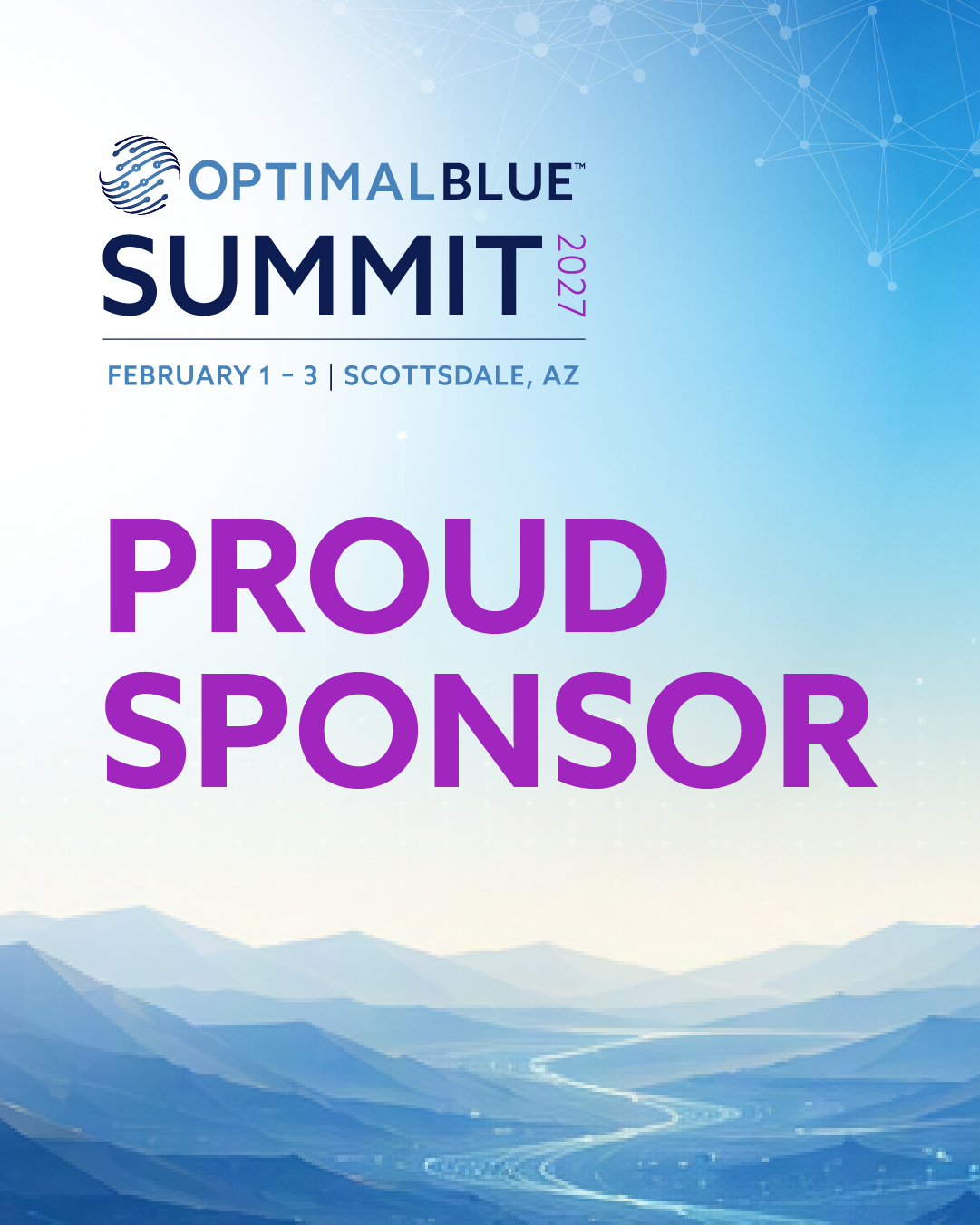
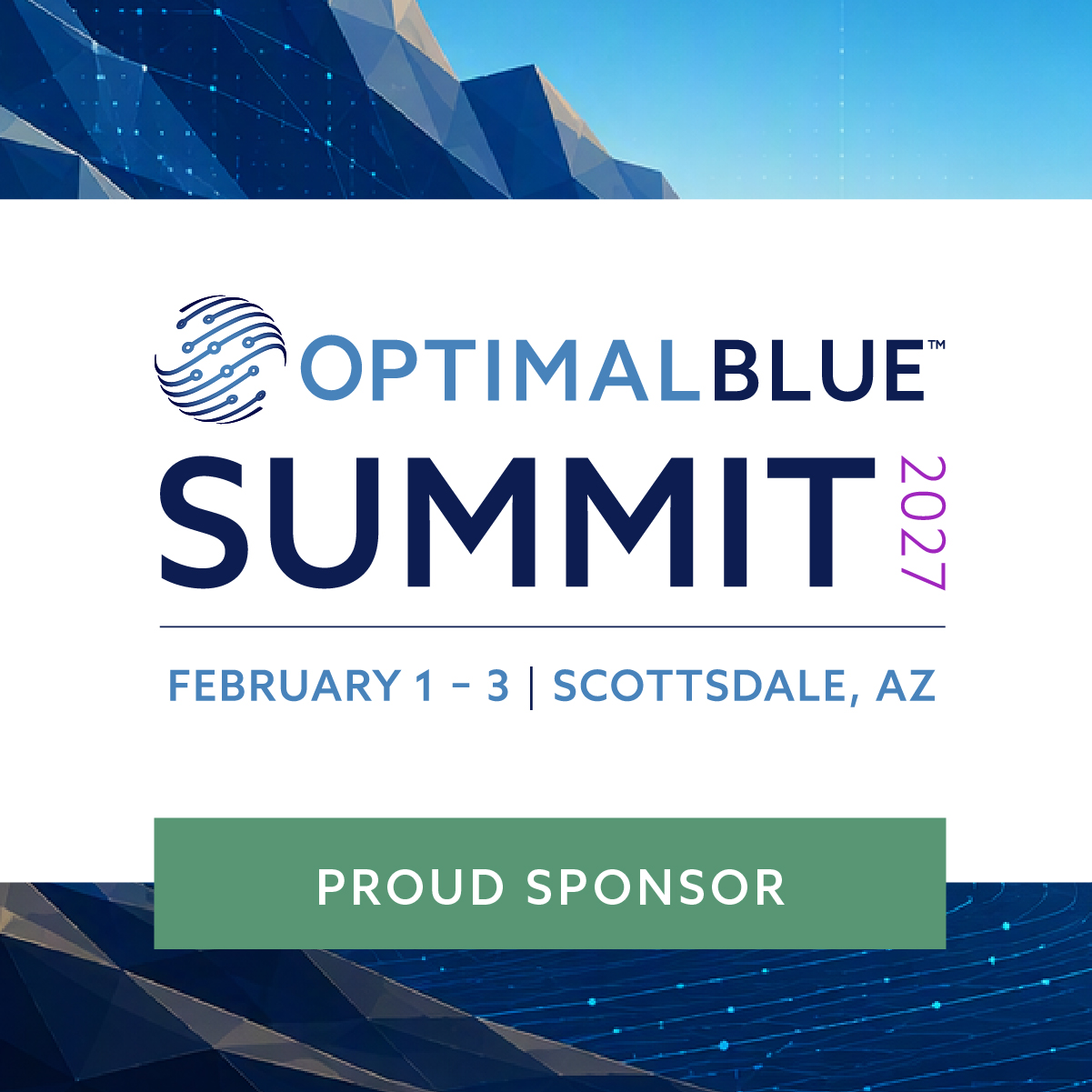
Ready-to-use graphics

These graphics are complete as provided. Download the JPG and share it without adding your company logo.

Preview of Summit sponsor social graphic one
Ready to use

Social graphic 01

No customization is needed.

Download JPG
Preview of Summit sponsor social graphic two
Ready to use

Social graphic 02

No customization is needed.

Download JPG
Make it yours

Co-branded graphics

Download either JPG, then place your company logo only within the designated logo area.

Preview of customizable Summit sponsor social graphic one
Add your logo

Co-branded graphic 01

Use the open logo area shown in the graphic.
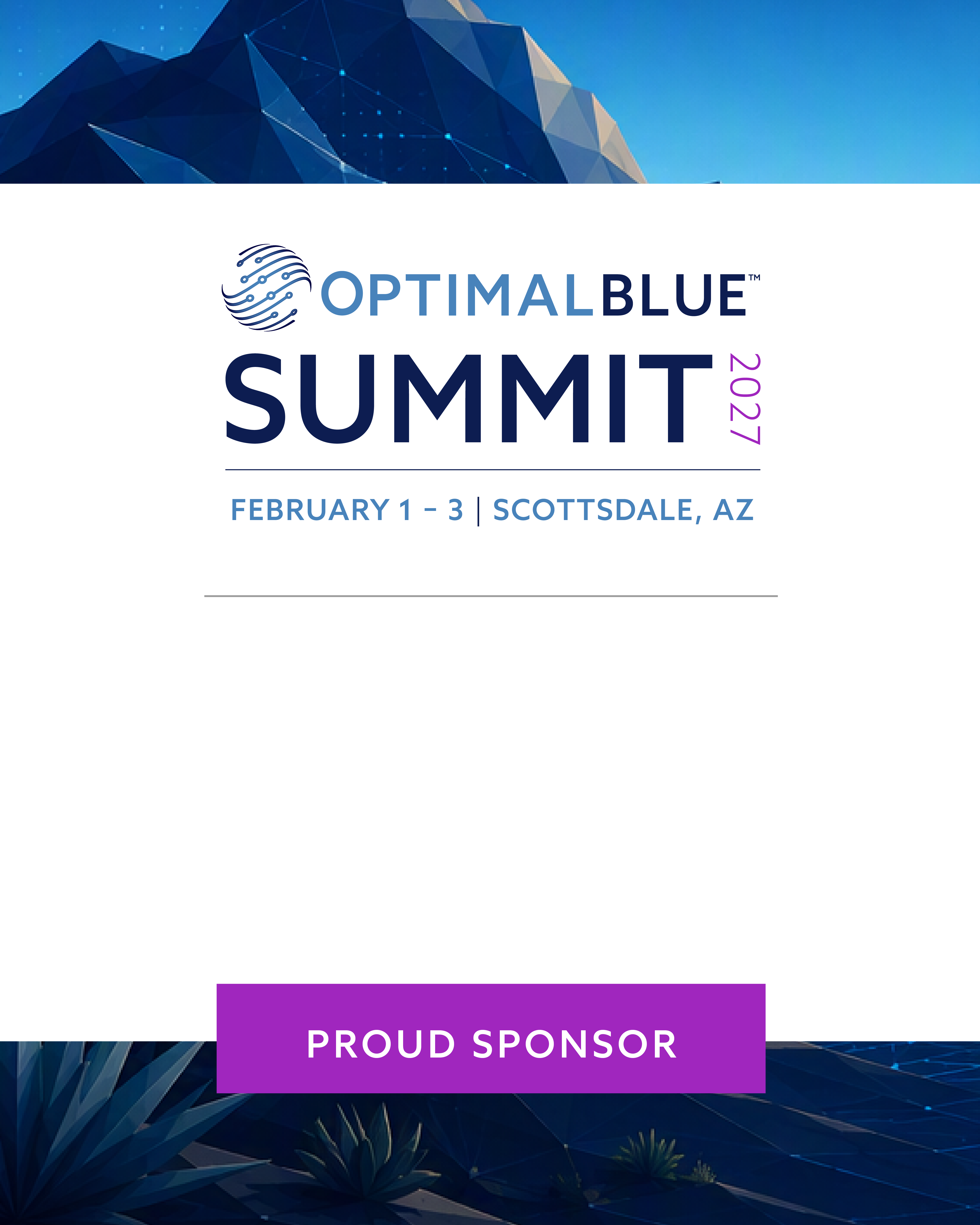
Download PNG
Preview of customizable Summit sponsor social graphic two
Add your logo

Co-branded graphic 02

Use the open logo area shown in the graphic.

Download PNG
Choose your workflow

How to add your logo

Choose the method that best matches the tools available to your team.

Basic

Canva or PowerPoint

Recommended for most sponsors. No design software is required.

  1. Create a new design using the same dimensions as the downloaded JPG.
  2. Upload the Summit PNG and set it as the background.
  3. Upload a transparent PNG version of your company logo.
  4. Place the logo within the designated logo area.
  5. Resize from a corner to maintain the logo's proportions.
  6. Export the finished graphic as a PNG or JPG.
Advanced

Adobe Photoshop

Recommended for creative teams that want more precise placement and export control.

  1. Open the downloaded Summit PNG in Photoshop.
  2. Place your company logo as an embedded Smart Object.
  3. Scale proportionally and position it within the designated logo area.
  4. Confirm the logo is clear, legible, and not stretched or cropped.
  5. Do not move, cover, recolor, or alter any Summit design elements.
  6. Export the finished graphic as a high-quality PNG.
Need help?

Questions about the assets?

Contact the Optimal Blue marketing team for assistance with logo placement or file access.

Contact marketing